
A monitor you can tune
Curvature, scan-lines, glow, static, flicker, jitter, H-sync, burn-in and hue shift. Every setting changes the picture live, and you can save your own monitors.
Terminal for the Mac
A full Mac terminal drawn on a vintage monitor. Your shell runs as usual, and every character glows on curved glass, with scanlines, flicker and the hum of an old tube. Native on Apple silicon.
Collects no data No ads, analytics or tracking. Read the privacy policy.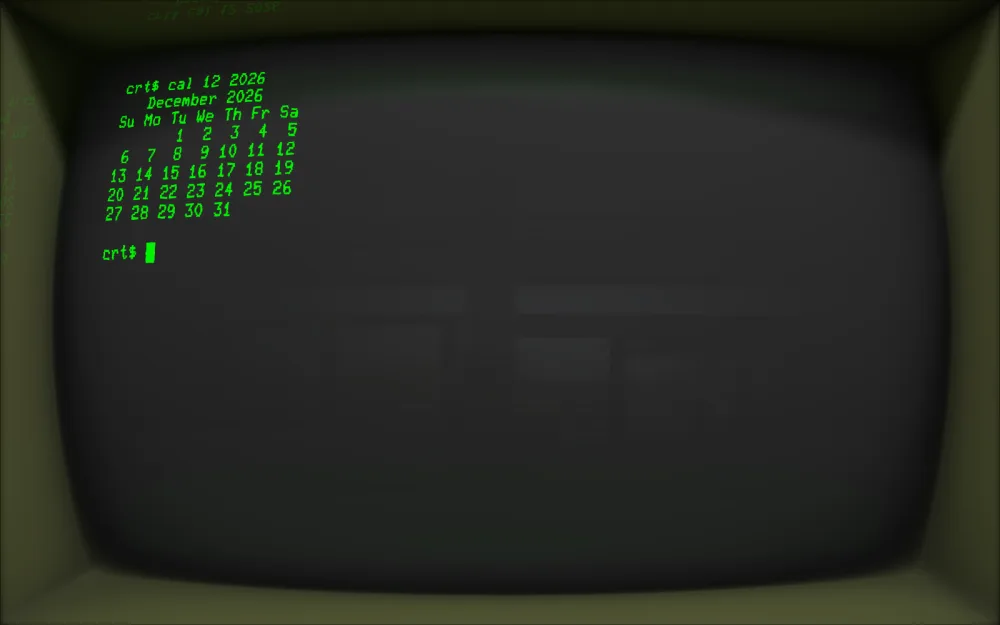
What it does
CRTerminal is a real terminal: your login shell, your tools, your keyboard shortcuts. Only the picture is from another decade, and you choose which one.
Curvature, scan-lines, glow, static, flicker, jitter, H-sync, burn-in and hue shift. Every setting changes the picture live, and you can save your own monitors.
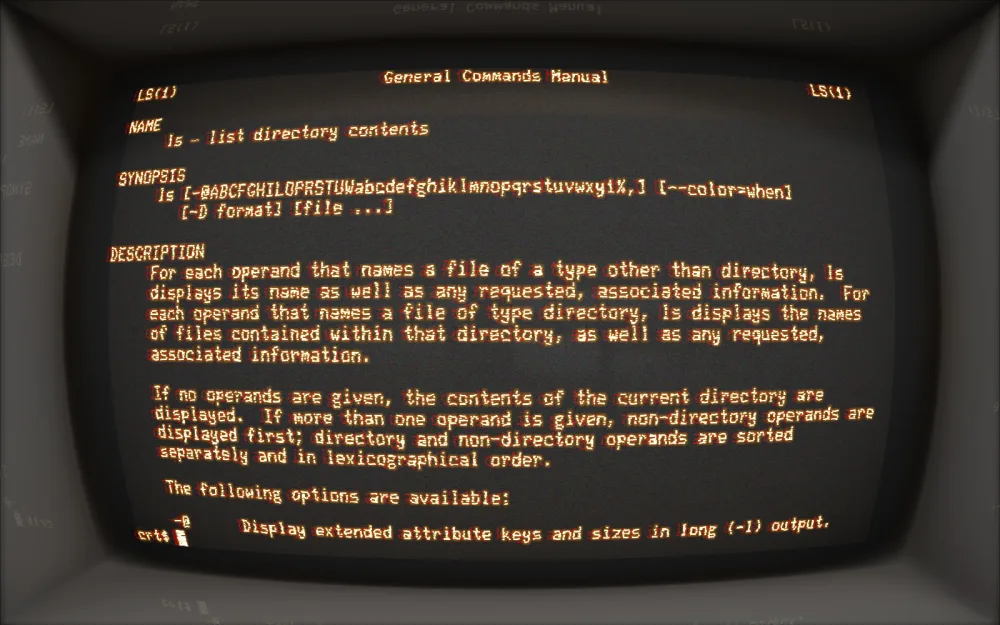
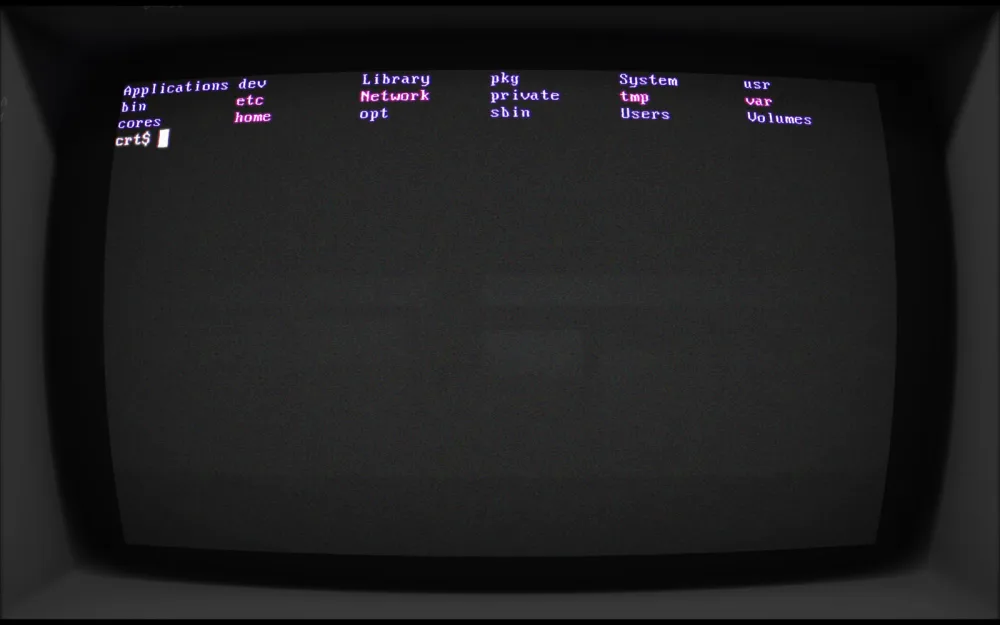
Green, amber, white and blue phosphor, with bitmap fonts drawn after old terminals and home computers, plus a modern monospace font for long days.
Key clicks, line feeds, a power-on thump and a startup chime, each with its own choice of sound in Settings → Sound.
The glass reflects a room. Take a photo of your own with the Mac's camera, and the screen reflects where you are sitting.
Open a picture or a movie and watch it on the old monitor, or show the camera's picture with Web Cam. Save a screen shot of any window.
Built for Apple silicon with a Metal renderer. No accounts, no analytics and no internet connection: it never phones home.
Monitors
Swipe or scroll sideways for more.
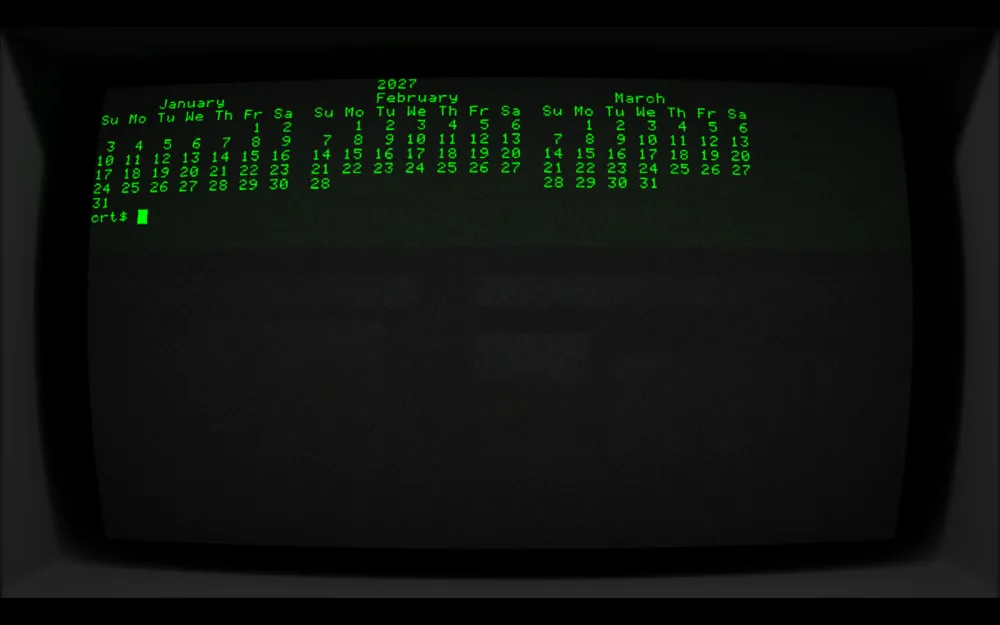
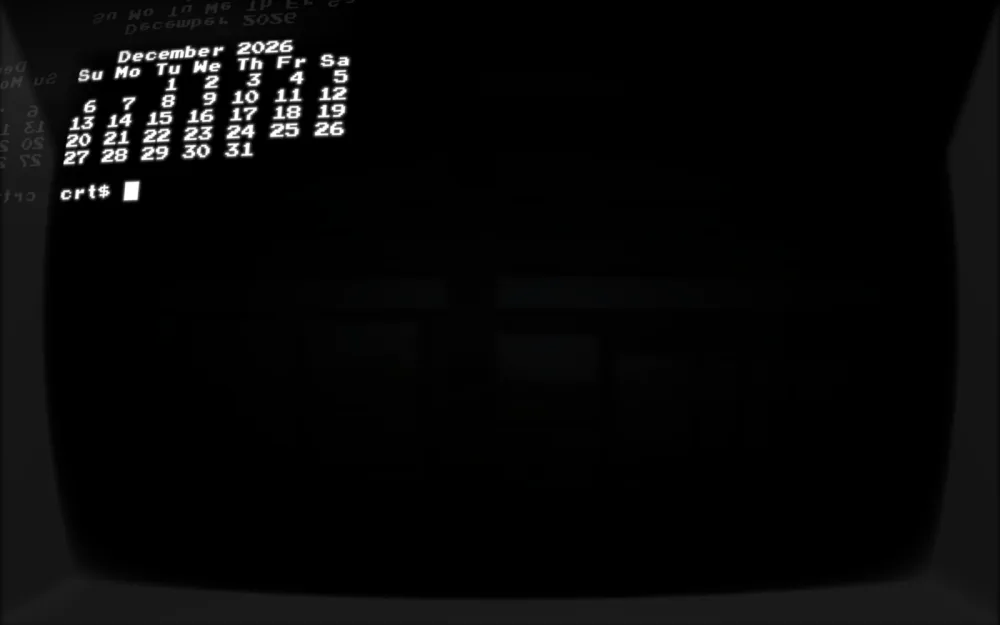
Coming next
These are planned and being worked on now. Each one is tried on its own first, so some may change or not make it in. New controls are designed to look like part of the old hardware, not like modern window chrome.
Scanlines drawn from a beam model that matches the display being imitated: a home computer on a TV, broadcast TV, a sharp monitor or a terminal. Glow that fades with the phosphor trail, an overbright mode that keeps colors true, and a flash-safety limit that follows Reduce Motion.
Built-in line, block and shade characters that join up cleanly, proper bold and dim, a fallback font that fits the cell, full 24-bit color, curly and dotted underlines, and optional font ligatures.
Inline images from command-line tools through the Sixel, Kitty and iTerm2 image protocols, drawn on the glass with every monitor effect, and a picture mode for watching video on the old screen.
Several terminals per window as tabs and split panes, switched like the channel buttons or rotary dial of an old set, a drop-down terminal on a hotkey, a built-in multiplexer, and full screen that respects the notch.
A master volume knob on the bezel, the bell at the system alert volume or as a visual flash, separate sounds for what you type and what the computer prints, and different key sounds for different groups of keys.
Clickable links (OSC 8), copy to the clipboard from programs (OSC 52, reading off by default), notifications with a lamp on the bezel, the Kitty keyboard protocol, synchronized output and shell integration.
Later, I'd like to explore a version for iPhone and iPad as a remote terminal.
Private by design
CRTerminal draws your terminal and nothing else. What you type goes to your shell on your Mac, as in any terminal.
Needs a Mac with Apple silicon and macOS 13 or later. The flicker and static effects can be turned down or off in Settings → Monitor.